Welcome to the news section!
Here you will find all the news related to ATRIL and the translation market.
Top OCR software tools to extract text from images
OCR (optical character recognition) software are interesting and useful tools. They have a wide range of applications from data entry for business documents, extracting information, transforming electronic images of printed documents into editable files or converting handwriting into digitalized text. OCR software tools prove particularly useful in translation workflow when preparing your document for translation. It often happens that clients send non-editable documents, which need to be converted into a useable format.
Top OCR software tools
ABBYY FineReader

Undoubtedly the most well known application of this sort with an intuitive interface. It is compatible with a number of image files (BMP, JPG, PNG, TIFF), or PDFs. A very useful functionality is the option to add multiple recognition languages. After analyzing the input document, the screen is divided into two parts, which enables you to view both the original document and the processed text. In this way it is much easier to compare and contrast the results with the original file. Naturally, you can correct the fragments containing highlighted low-confidence characters yourself. You can save the recognized output document in one of the following formats: DOC, XLS, PDF, HTML, RTF, CSV or a TXT file. There are multiple configuration options available. ABBYY FineReader 14 supports 192 recognition languages, while 48 languages have dictionary support.
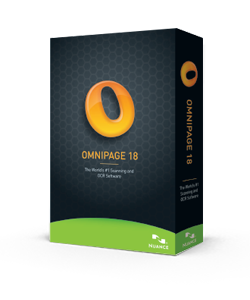
OmniPage Professional is a powerful software that provides precise conversion of various types of documents, forms
and other files. Apart from the advanced mechanism for OCR recognition, it can also automatically
edit or highlight the text. The software has also been equipped with the Nuance Cloud Connector technology, through
which we can integrate with Windows system. This will give you direct access to services in the cloud, such as:
Windows Live SkyDrive, Box.net, Evernote or DropBox.
The program supports all popular office applications, including Corel software or Microsoft Office (Word, Excel and
PowerPoint). It allows batch processing, i.e. recognizing and converting several documents at the same time.
It offers 114 recognition languages, and dictionary support for 18 languages.
SODA PDF
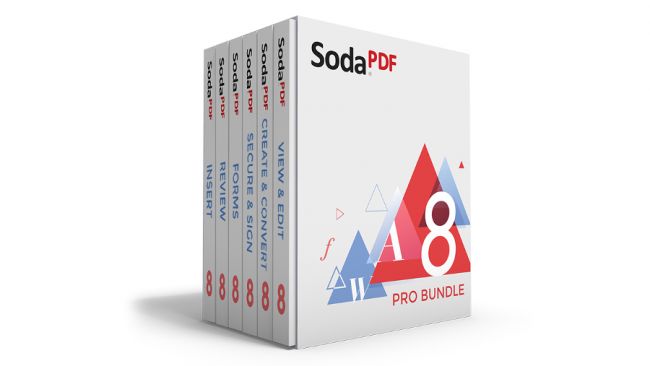
Soda PDF is an extensive software package for handling PDF files. It boast numerous functions related to
both reading, creating, editing, as well as conversion of this type of documents. This powerful application will
allow you to properly manage PDFs in virtually any area. It offers text recognition in several languages, therefore
it has been used extensively as an OCR software.
Soda PDF also comes with a set of modules, enabling the user to further expand the possibilities of the
package. This allows you to integrate the application with the programs included in the Microsoft Office family.
Another useful solution is the integration with Dropbox, OneDrive disk and the native Soda PDF
cloud. As a result, it is possible to open documents directly from these locations. It outputs PDFs only, so if you
need other formats, you might want to look for other options.
Simple OCR
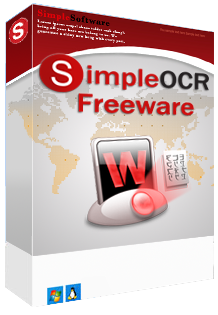
Simple OCR is yet another example of a handy OCR software tool that has conquered the market in recent years. The program allows you to read text from both graphic files and directly from the scanner. The results can be processed immediately, because the tool integrates with Microsoft Word. It features format retention functionality, which enables the user to preserve the original formatting of certain elements of the text. Another interesting feature is image retention – the ability to capture original images from the input document, while with Batch OCR functionality, you can process several documents at the same time. The user interface is rather poor though, with few configuration options. Currently, it supports only 2 languages: English and French. Simple OCR is free for all non-commercial purposes.
It is still a long way away before paper becomes obsolete. For this reason, many people turn to OCR programs both in business and every day situations. If you often receive scanned documents in your daily work, a good OCR software will be difficult to underrate. It helps you speed up your work without having to retype the text manually or hire a typist. If you are interested in other ways to smoothen yourk workflow or increase productivity, check out this article.
6 useful apps you should know about
Regardless of whether we prefer a laptop or a desktop, most of us sit in front of the screen for a significant amount of time. That’s why it’s important to spend this time effectively. Below, you’ll find a list of six useful apps worth getting familiar with. They are bound to come in handy not only when completing your new translation project, but also in other situations.
Six useful apps to try out
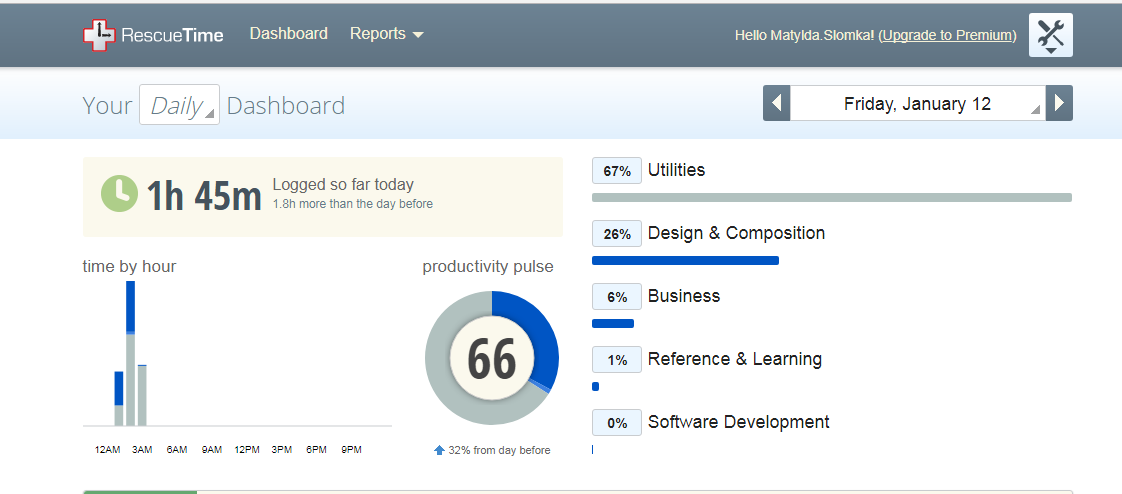
Sometimes it’s just too easy to get sucked into social media channels or just waste your precious time surfing from page to page. This useful app helps you control the way you spend your computer time. Each activity is monitored and assigned to a specific category. After installation and logging into the website, you get access to statistics, that can easily illustrate how much of your time you spend on work or entertainment. If you feel your productivity is not as high as it could have been, this tool makes it possible to identify the activities that distract you most and eventually eliminate them.
How often does it happen that you stumble upon an interesting text you would love to read, if only you weren’t busy doing something else at the moment? That’s where Pocket comes into play. This multi-platform service is one of the most useful apps for anyone who spends a significant amount of time online. It enables you to save some interesting stories, articles or pieces of news for later. It is available for Windows, iOS, macOS, Androis, Windows Phone or web browsers and can be synced to all your devices. You can easily read the saved articles both online and offline. And it’s such a pleasant read! The text is well-formatted and all the unnecessary components get removed.
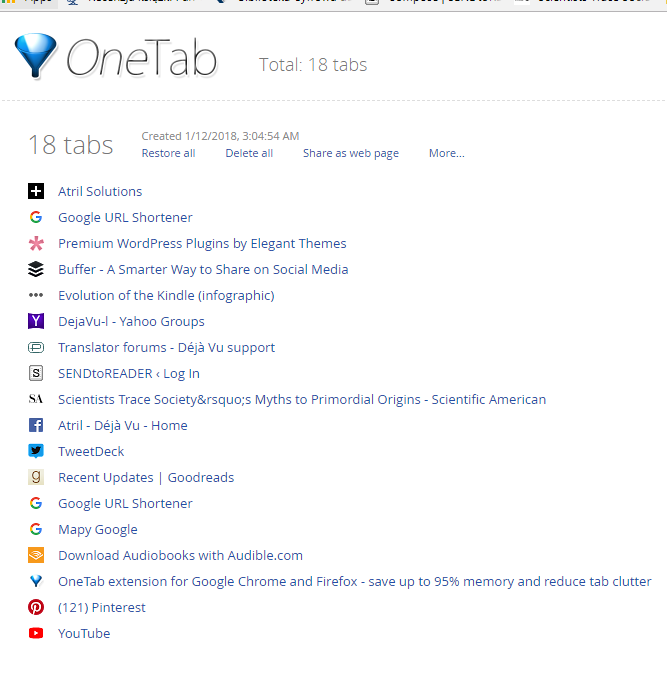
Another solution to store interesting articles, websites and stories for a later time is installing One Tab browser plugin. It is perfect for those, who have a tendency to open multiple tabs at a time. As a result the browser slows down and it’s getting more and more difficult to find something quickly. If this seems to be your problem, One Tab is a solution that will keep all the websites in one place. With a single click, you can send them to the app to retrieve them, when needed.
There are numerous screenshot apps and tools available but what makes Gyazo stand out, is the ease with which you can share screen captures with other people. After all, the point of making a screenshot in the first place, is usually to show it to somebody else. With Gyazo, all it takes is to launch the app by clicking an icon (there’s no interface by the way), select the part of the screen you want to capture, and the image gets instantaneously uploaded on the Gyazo server. Then an URL link is created, which you can copy and paste wherever you wish. It is also possible to capture short screen videos.
Have you ever mistakenly deleted an important file? Yes, you can restore it from the bin, but what if you’ve already emptied it too? Is there a way to get your data back? As it turns out, installing Recurva might help. The program scans your drives in search for the files you deleted and recovers them for you. It is compatible with Windows computers, as well as digital cards, cameras, memory sticks and many more. You can recover all sorts of file types with it, ranging from documents, photographs, emails or videos. This tiny program might prove to be one of the most useful apps!
The number of services and apps that require logging in is getting bigger and bigger. If you find it difficult to remember all your passwords and other logging details, try LastPass. You won’t have to waste your time typing in the passwords again and again hoping to figure out the right one. Nor will you be bothered with resetting it, once you give up trying. All this takes up too much of your time and attention, hindering your productivity.
LastPass is an easy solution to the problem. It remembers all your logins and passwords making it possible to log in with just one click. And there’s more. The app will automatically fill in all the forms with your data so that you won’t have to do it manually. What’s also important, your passwords get synced across all your devices.
Working from home – pros and cons
Working as a freelance translator comes with a number of perks. And not just in terms of flexible working hours, but also the possibility to work from your couch. Recent advances in technology are making it easier and easier to work remotely. But while the prospect of working from home (or beach, or a café) might be tempting, it has its limitations too. So, what is it? A dream-come-true, a curse or, perhaps, a mixed blessing?

The pros of working from home
No commute time
Commuting, whether by car or public transport, can be time-consuming and stressful. If you are a freelance translator working from home, you don’t have to worry about wasting your time stuck in a traffic jam. You can spend those precious minutes/hours much more effectively. Not having to go to work every day can also save you some money you would otherwise have to spend on petrol or bus/train fares.
Flexibility
Home office gives an undoubtful benefit of working at a time that suits you best. This, in turn, can improve your productivity, as you can organize your day in such a way, to work during your peak hours. But it also makes it easier to handle your family matters or arrange various appointments.
Customizing your office
Prefer working on a laptop over a desktop? Find it easier to work with multiple screens?Feel like getting yourself a new ergonomic chair or trying out a standing desk? Working from home means you get to customize your home office to suit your preferences and needs. You are free to experiment with various solutions instead of making do with dull corporate settings and office cubicles. You can write off some of your home office expenses on your taxes too.
The cons of working from home
Takes some discipline
Do you sometimes struggle to get out of bed to go to work? Feel like staying home from work due to bad weather? Not being expected to actually leave home, freelancers may find it even harder to resist these temptations. It takes a great deal of motivation and self-discipline to get down to work at a specific time, e.g. early in the morning. Being your own boss also requires good organizing skills. Without a supervisor to keep an eye on you, or other professionals around you, getting into routine can be a real struggle.
Distractions
While working from home means no loud environment, or other co-workers looking over your shoulder, it comes with its own set of distractions too. It may be quite difficult to cut out on the time you spend on social media channels, web surfing or checking your inbox. Other common distractions include too frequent food and drink breaks, housework or… your family. Working from home you may discover your family finds it hard to accept that even though you’re home, you’re actually at work and are not always available.
Impact on social life
This one is not directly related to home office itself, but it has something to do with the way most freelancer function. Having flexible work time you can work when you really have to work, and take your time off, when you have no new projects to complete. But it often means you’re working opposite hours from your significant other or your friends. When translation projects start piling on, you might end up working late hours. Lastly, the lack of office colleagues to hang out with may lead to the feeling of social isolation.